
Xero Bookkeeping on the Central Coast
Work with a registered BAS agent to help reduce financial stress with personalised bookkeeping and business support.
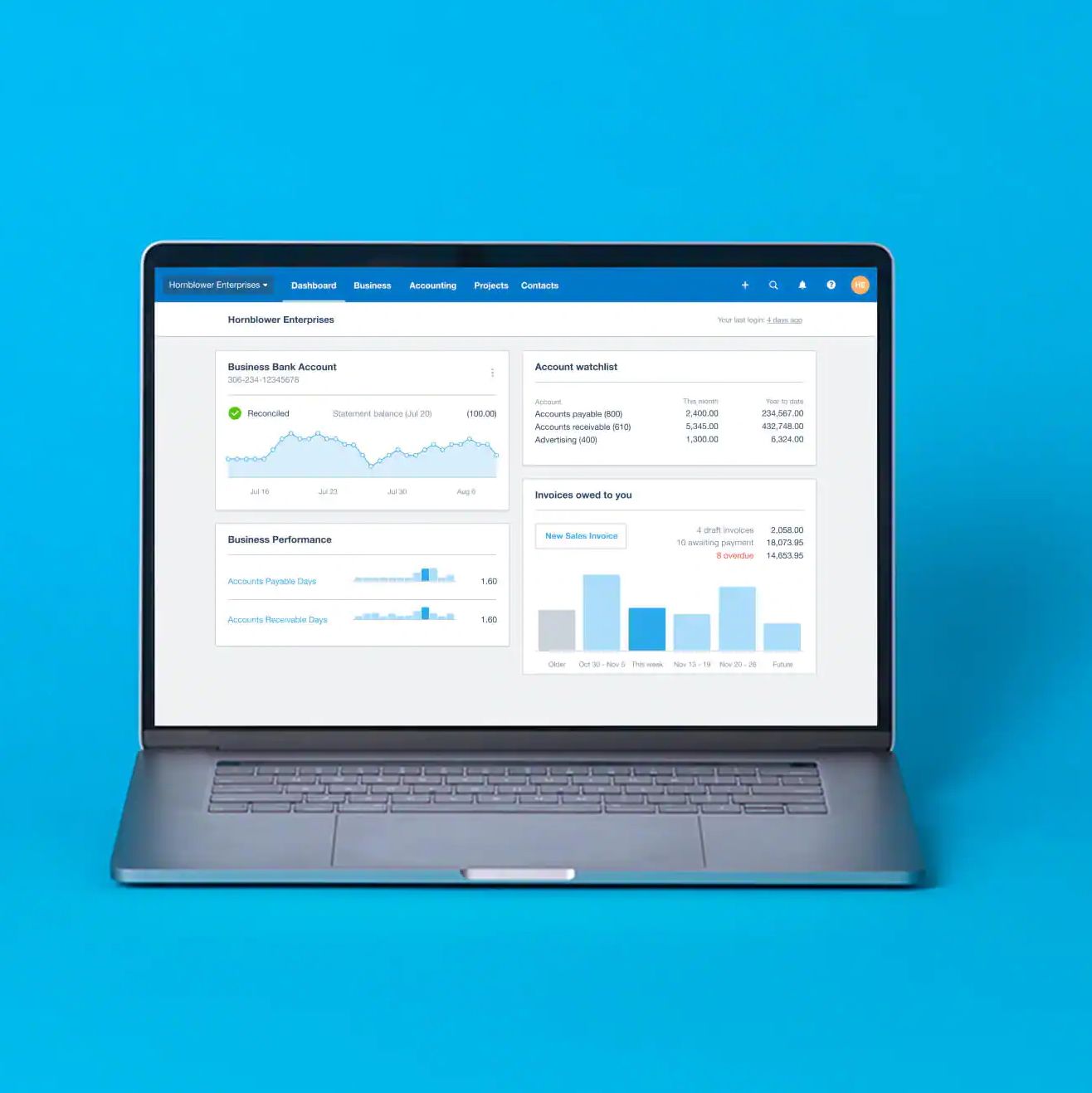
Managing Your Xero Setup
Working in Xero requires correct setup, consistent data handling and an understanding of how information flows through the platform. On the Central Coast, Qwerty Plus delivers Xero bookkeeping services. This includes structuring accounts, processing transactions, reconciling balances and maintaining records so they align with reporting requirements and system functionality.
Key parts of working in Xero include:
- Setting up & maintaining accounts, feeds & system structure
- Processing transactions & completing reconciliations within the platform
Xero is used as part of day-to-day bookkeeping and reporting processes, with data entered and reviewed across reporting periods. I complete work within the platform using established processes, helping to ensure records are maintained in line with system use and reporting requirements.
For more information about Xero bookkeeping services on the Central Coast, contact me on 0412 326 969.
Working Within Xero Systems
Xero bookkeeping involves managing financial data within a cloud-based environment that connects bank feeds, transactions and reporting tools. I configure account structures, manage data entry and complete reconciliations so records align with source documentation and reporting requirements. This may include maintaining a chart of accounts, handling coding of transactions and organising data for use in activity statements and reporting.
I work within the Xero platform to maintain consistency across reporting periods and aim to ensure records are structured according to system requirements. All work is carried out within the scope of bookkeeping services and relevant compliance frameworks.
Working within a structured system supports how financial information is recorded and accessed across the business. If you’d like to explore how Xero can be managed within your current setup, get in touch to continue the conversation.
Cloud-Based Systems
Platform-Specific Knowledge
Structured Data Management

Schedule a Call
Ready for a helping hand? Send me a message; I’d love to hear from you!
Contact Us
Thank you for contacting Qwerty Plus.
We will get back to you as soon as possible.
Please try again later.
FAQs
What is involved in setting up Xero for a business?
Setting up Xero involves creating an account structure that reflects how the business operates. This includes configuring the chart of accounts, connecting bank feeds and setting up tax rates and reporting settings. Additional setup may include invoicing templates and user access levels. The setup process is based on the type of business and its reporting requirements. Correct initial configuration supports how data is entered and used within the system.
How are transactions managed within Xero?
Transactions in Xero are recorded through bank feeds, manual entry or imported data. Each transaction is coded to the appropriate account within the chart of accounts. Reconciliation involves matching transactions to bank statements and supporting documentation. This process forms part of maintaining financial records within the platform. Regular processing helps keep records aligned with reporting periods.
How does Xero support financial reporting?
Xero includes built-in reporting tools that use recorded financial data to generate reports such as profit and loss statements and balance sheets. These reports are based on how transactions are entered and categorised. Data can be filtered by date ranges and account types to reflect specific reporting periods. Reports are used as part of ongoing financial record management. The quality of reporting depends on how consistently data is maintained within the system.
Can Qwerty Plus help clean up my Xero file?
Yes. If your Xero file has unreconciled transactions, duplicate entries, old contacts or reports that do not look quite right, Qwerty Plus can help review and tidy things up. A cleaner Xero file can make day-to-day bookkeeping easier and help you feel more confident at BAS time.